
Guide · For studios
What to Look for in Pottery Studio Management Software
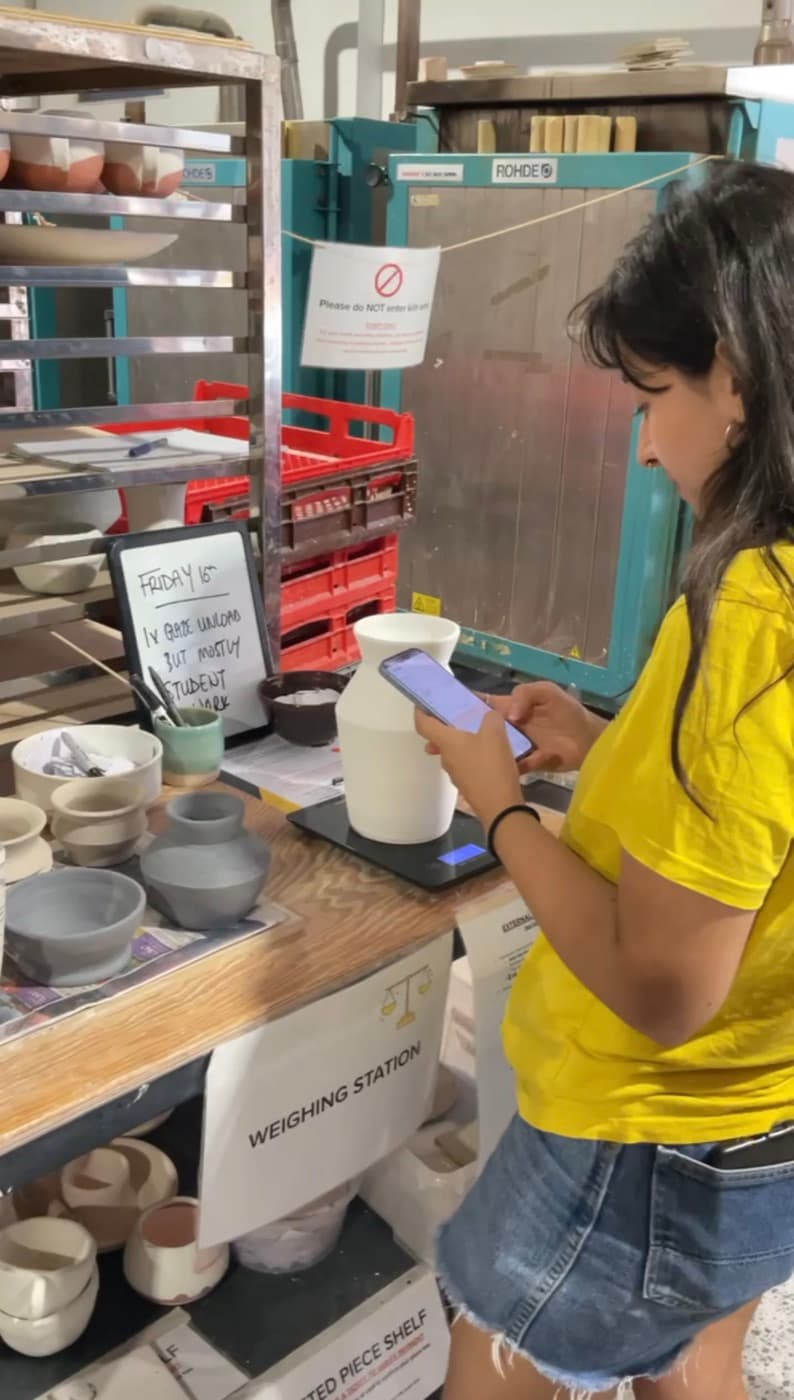
Go looking for software to run a pottery studio and a lot of what turns up is really gym or salon software with a kiln bolted on. It can take a booking and charge a membership, but it has no idea what a bisque firing is, or that a single mug might sit in the building for three weeks, moving through four stages, before anyone can take it home. So if you're weighing up how to run your studio, here's what actually matters, and why.
It should track pots, not just bookings
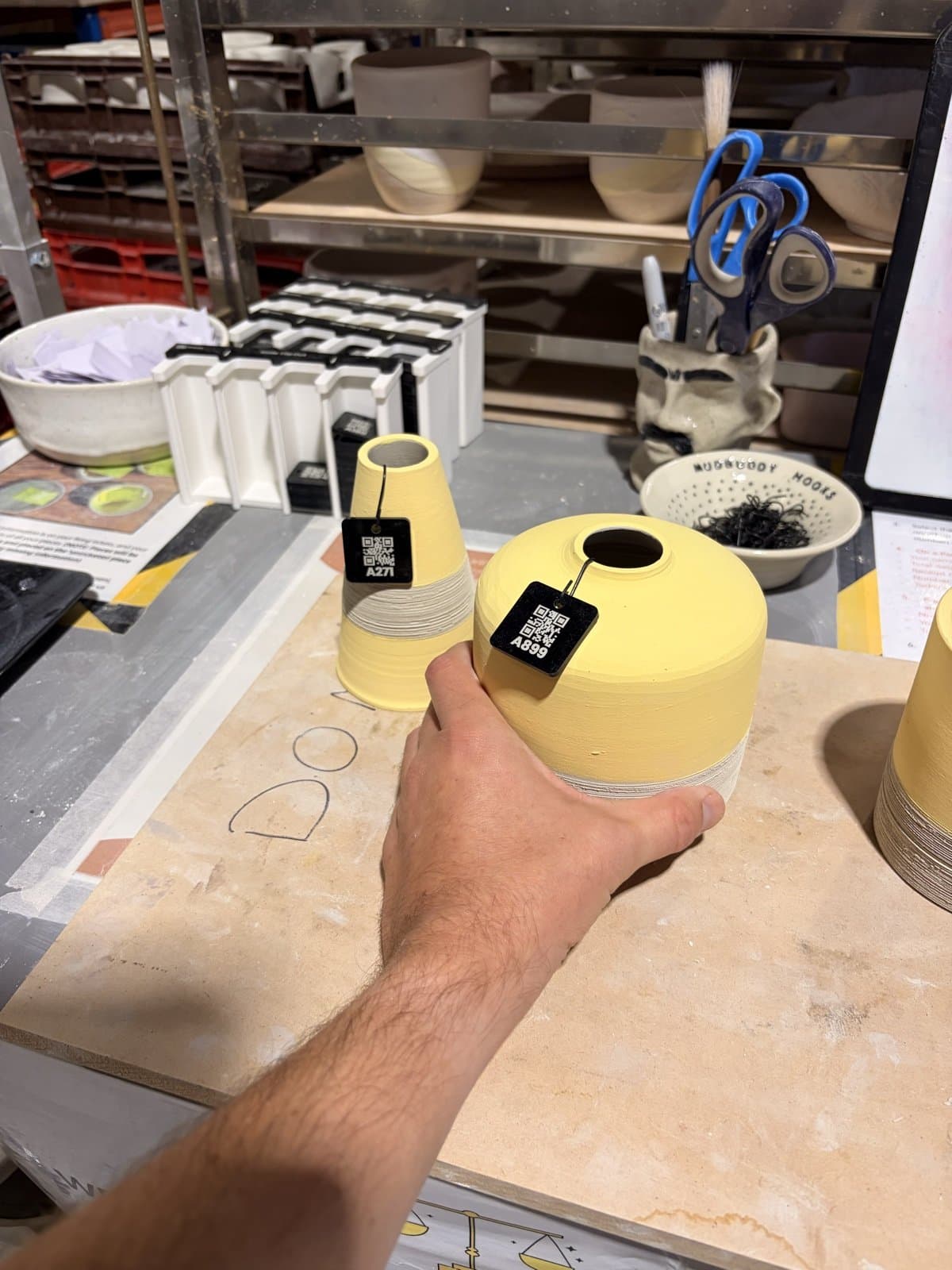
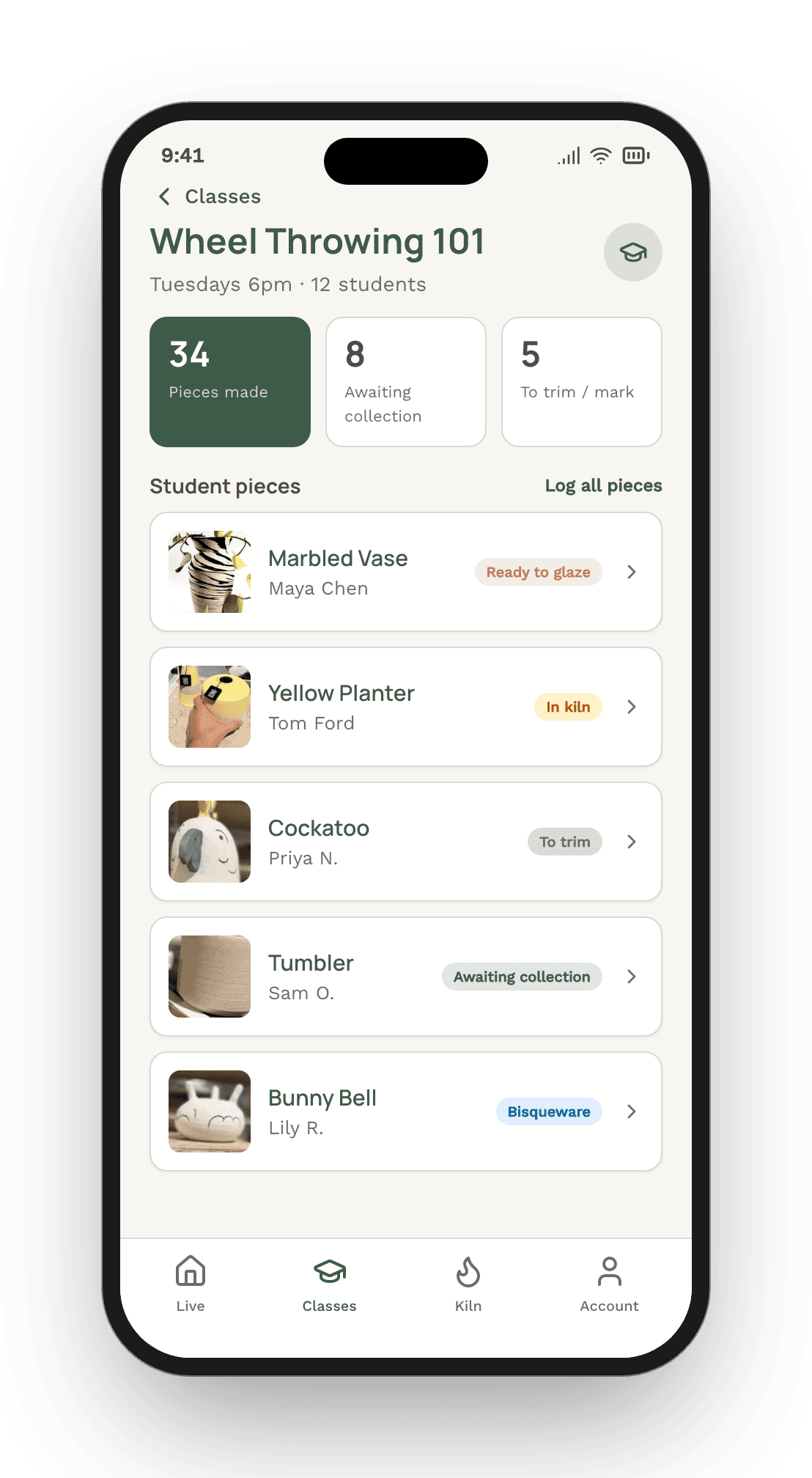
The first thing is whether it understands pieces at all. A pottery studio doesn't really run on class bookings, it runs on the work: greenware drying, a bisque load cooling, glazed pots waiting on the next firing, finished mugs on the collection shelf. If the software can tell you someone paid for a class but not where their bowl is right now, it's booking software wearing a pottery hat. What you want is each piece tracked through every stage, ideally pinned to something physical like a QR tile on the shelf, with its firing, glaze and kiln load attached. That's the whole spine of MudBuddy, for what it's worth.
It has to work for the one-off crowd, not just regulars
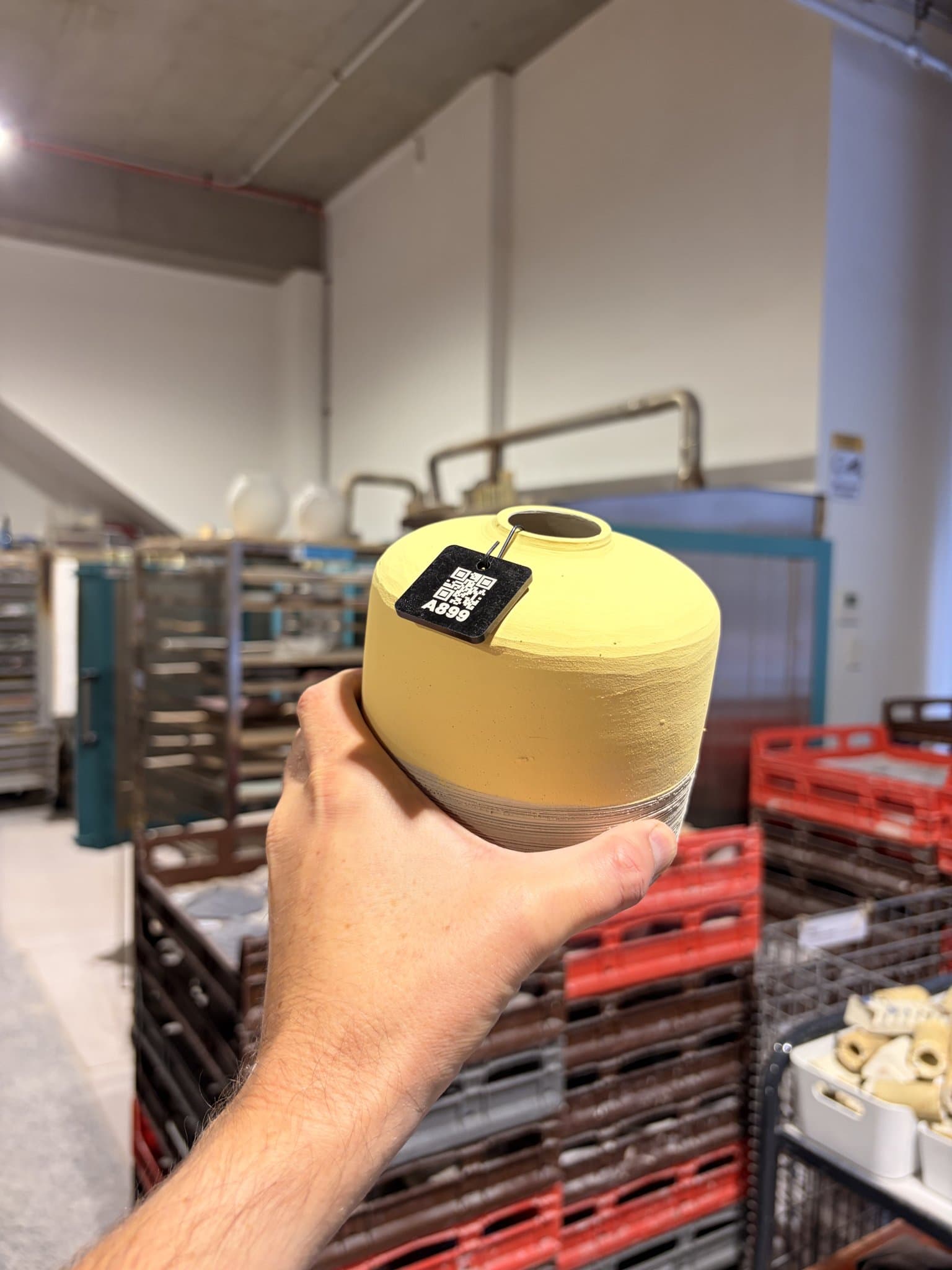
A big chunk of most studios is people doing a single class or a date night. They're lovely, and they're never coming back, so if your system makes them download an app and set up an account before they can do anything, nobody will use it. The bit worth looking hardest at is what a first-timer actually has to do. In MudBuddy a class student just scans the tile, adds a photo of their piece, and that's it, no account, no sign-up. They still get their own page to follow it and an email when it's ready to collect, and the photo means you find their pot by looking at it rather than deciphering initials scratched in the base.
It should catch the firing money on its own
Firing is where studios leak the most, so it's worth knowing exactly how a tool handles it. The thing that matters is whether the charge is tied to the actual piece and captured as it goes into the queue, rather than tallied from memory later or dropped in an honesty jar. Get that right and the firings that used to go unbilled just start landing. It's worth asking whether members can hold studio credit too, so a month of little firing charges settles as one payment instead of a pile of card fees.
It should take work off your team, not pile it on
Some software technically does everything but needs a staff member driving it all day, which isn't much of a win. The question to ask is who does the work. When members log and track their own pieces, pay automatically and get told when their work's ready, the "is my piece ready" questions that eat your techs' day mostly stop. Kayde, who runs ClayGround here in Sydney, said the hardest part of firings used to be the not-knowing, members asking her techs several times a day where their pieces were. Once they could see it themselves, that chasing dropped right off.
It should show you what's actually going on
You can't run a studio well on a hunch. The thing to check is whether it can tell you your real firing turnaround, which kiln loads pay for themselves, which classes fill, and which clay and glazes sell. A dashboard that answers those, and gives you a nudge when a piece is about to miss its turnaround, is the difference between guessing and knowing.
It should help your members without pretending to be your teachers
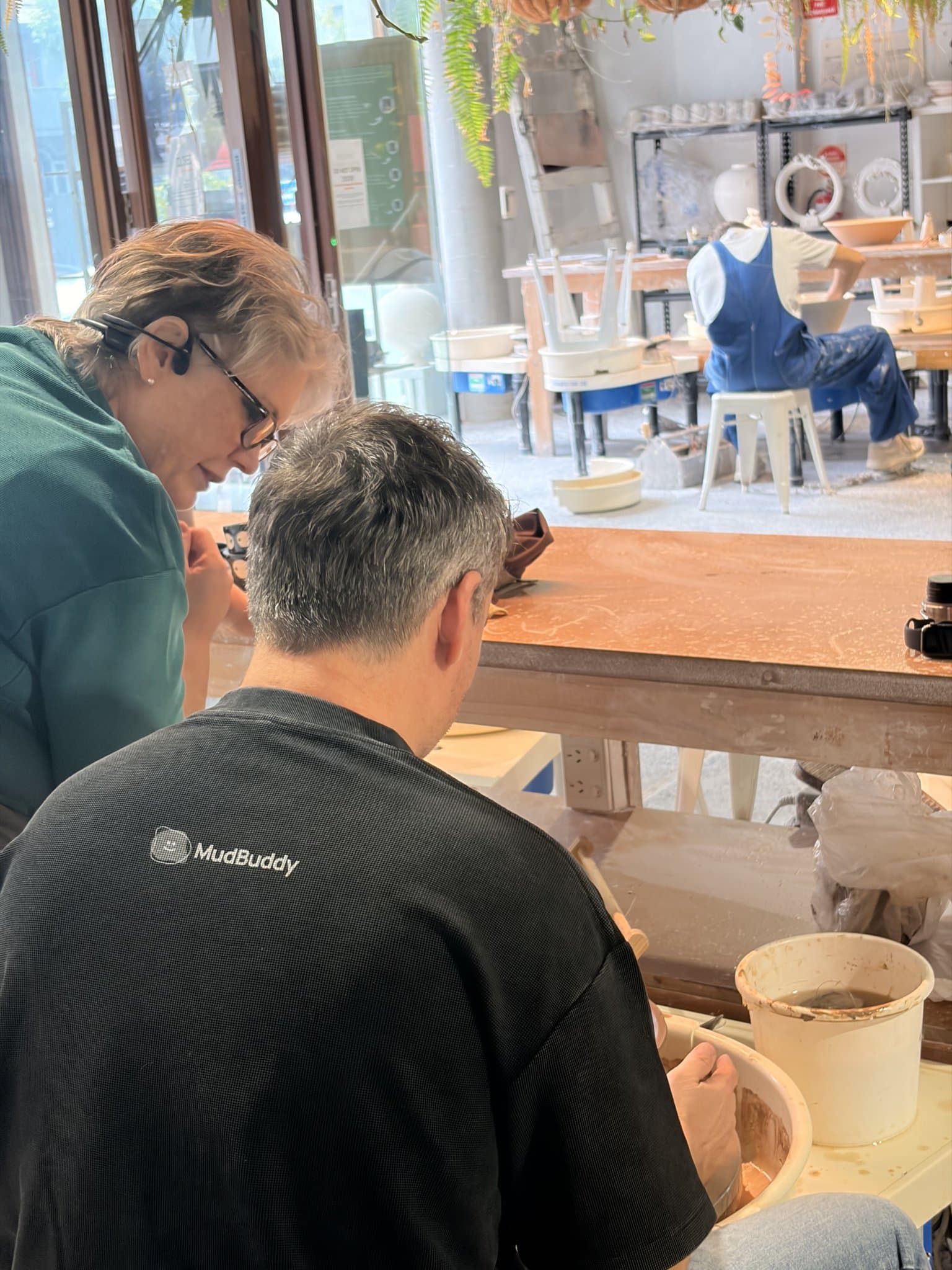
Members always have questions, what cone, why did it craze, is this dry enough. You want the easy ones off your staff without losing the human bit that makes the place worth coming to. MudBuddy has an assistant members can ask about their own pieces, with commercial clay and glaze data built in, so it handles the routine stuff. But the people in the room are still the point, and any good tool should protect that rather than try to replace it.
The pricing should suit a studio your size
Plenty of tools are priced for gyms and franchises, a big flat fee no matter how small you are. A neighbourhood clay studio shouldn't pay like a chain. Look for pricing that moves with what you actually use, a small base plus a little on the money that flows through it, so a quiet month costs you less and you're never paying for room you don't need.
None of this is about finding the tool with the longest feature list. It's about whether the thing was built by people who actually understand what a studio is, and you tend to feel that in the small stuff pretty quickly.
Have a look for yourself
If you're weighing this up for your own studio, the easiest thing is to see it running. We'll show you around.
Book a MudBuddy demoOr read more about MudBuddy for studios.
Frequently asked questions
What's the difference between pottery studio management software and general class-booking software?
Class-booking software manages schedules and payments, which is useful but stops at the booking. Pottery studio software also tracks the physical work: each piece moving from greenware through bisque, glaze and firing to collection, plus firing payments and kiln loads. If a tool can tell you a member paid but not where their bowl is in the queue, it's booking software, not studio software.
Do members and students have to download an app or scan QR codes?
Members use a potter app and scan a tile to log a piece in about ten seconds. They take it up quickly because it answers their own biggest question, "is it ready yet?". One-off class students don't need an account at all. They scan the tile, add a photo, and get an email when the work is ready to collect.
How do per-piece firing payments actually work?
Instead of a flat firing fee or an honesty box, each piece is logged as it enters the firing queue and priced accordingly, so members pay for exactly what they fire. Studios usually find more firings get recorded and paid once the charge is attached to the piece rather than tallied from memory afterwards.
How much does pottery studio management software cost?
It varies, but be wary of large flat monthly fees built for gyms or franchises. For a small clay studio, look for pricing that scales with use: a modest base fee plus a small amount on the firings and supplies that run through the system. MudBuddy, as one example, is a $29/month base plus small percentages on firing and product sales, and a few cents per class piece tracked.