
Guide · For studios
Ending the "Where's My Piece?" Problem in a Busy Studio
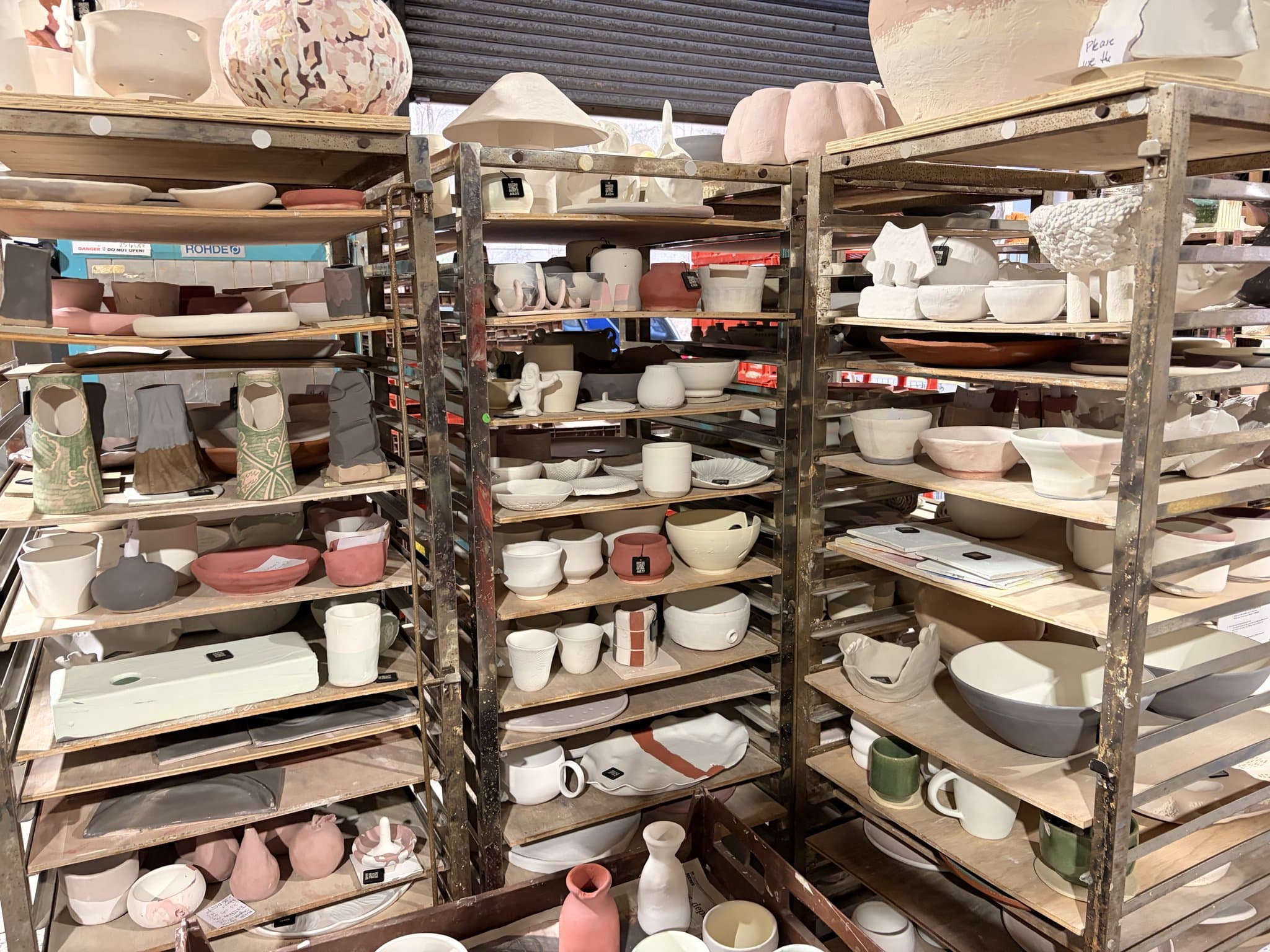
If you've run a studio for more than a week, you know the question. Is my piece ready yet? It comes by text, by email, and in person at the shelves, and it never really stops. By mid-morning your kiln tech has answered it four or five times, each time putting down what they were doing to go and have a look. None of that is teaching, throwing or firing. It's just checking, over and over, and it's one of the most frustrating time-sinks in the whole place.
It's easy to hear that question as members being impatient, but that's not really it. They ask because they honestly have no way of knowing where their work is, and the only people who do are your staff. Give them a way to see it themselves and the question mostly just goes away. It's one of the biggest quality-of-life wins software can bring a studio, so it's worth pulling apart how it actually works.
Why it happens
At any moment a studio has dozens or hundreds of pieces in motion: greenware drying, a bisque load cooling, glazed work queued for the next firing, finished pots on the collection shelf. From where the member's standing, all of that is a black box. They dropped off a bowl a fortnight ago and now they're guessing. So they ask the one person who might know, and multiply that by every member and your tech spends half the week as a lost-property desk for pots.
What it costs you
Two things bleed out here. The obvious one is time. Every interruption pulls someone off the wheel or away from a kiln, and it adds up fast across a week. The less obvious one is money. When the firing queue lives in someone's head and on a whiteboard, pieces get missed, and a firing nobody logged is a firing nobody paid for. The chasing and the lost income are really the same problem: nobody can see the pieces clearly.
What actually fixes it
The answer isn't asking members to be more patient, it's giving them somewhere to look. When a member can pull up their own bowl and see it's been bisqued and is waiting on a glaze firing, they've got no reason to ask anyone.
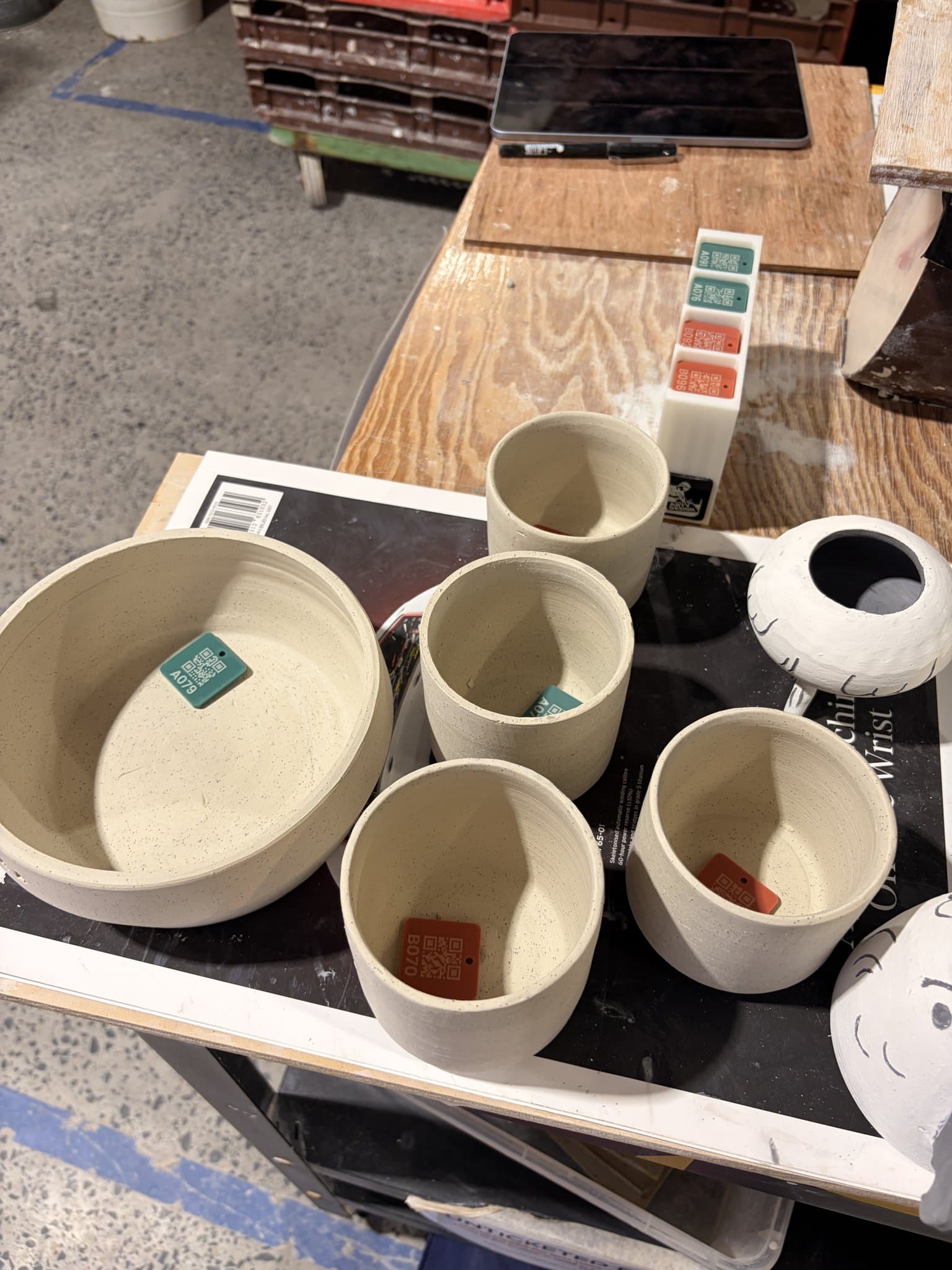
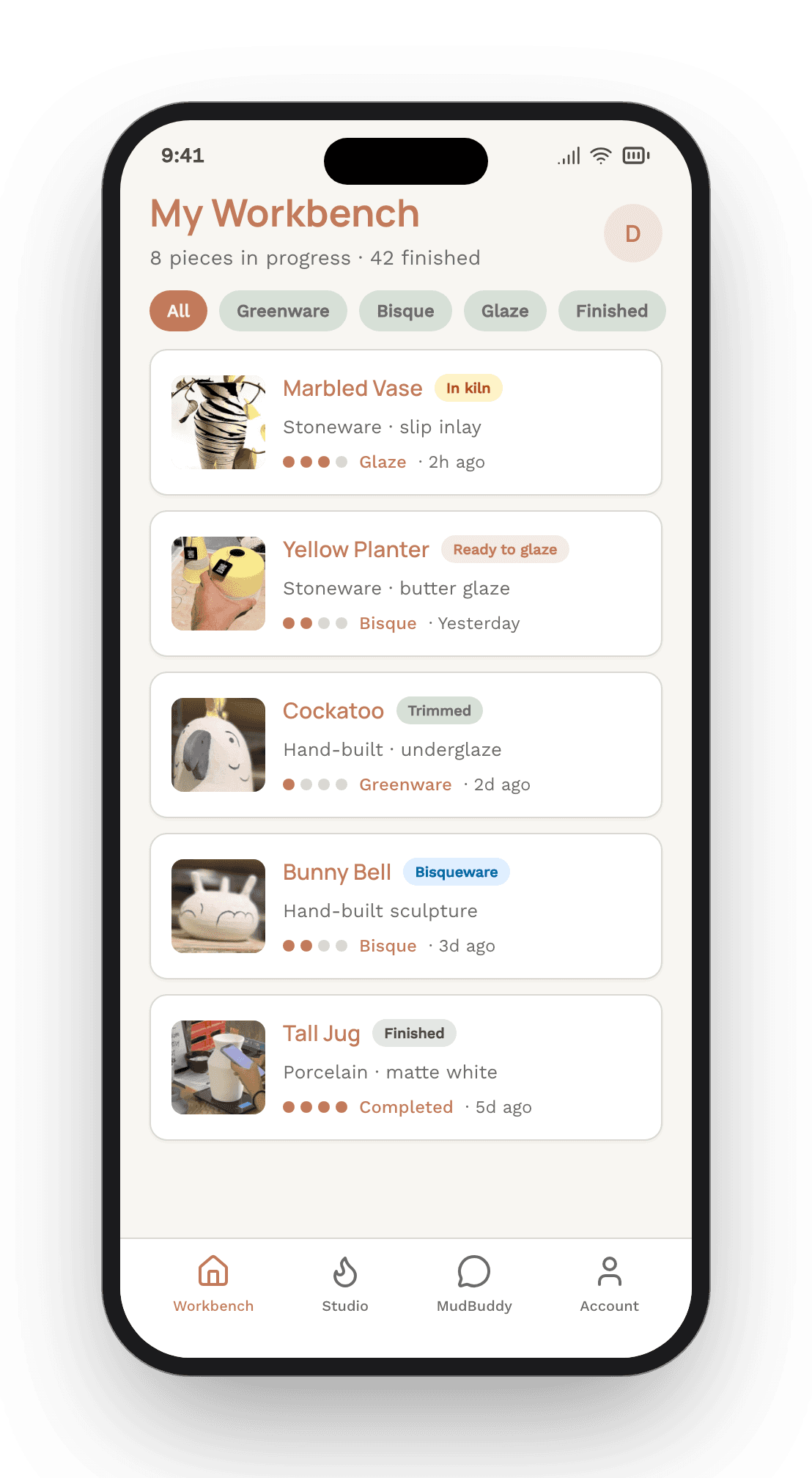
In practice that means logging each piece when it comes in and tracking it through every stage. In MudBuddy a member scans a reusable QR tile, adds a photo, and their piece is in the system in a few seconds. One-off class students don't even need an account, they scan, snap a photo and they're done. From there they've got a private page showing where their work's at, and an email lands the moment it's ready to collect. When they pick it up they mark it collected, so your shelves stay honest too.
What changes for the studio
On your side, the same information gives the tech the whole queue at a glance: what's waiting, what's in the kiln, what's ready. Nothing gets stranded on a back shelf, and you get a nudge when a piece is about to miss its turnaround so you can bump it up before anyone asks. And because the member uploaded a photo when they logged it, finding a particular pot is a matter of looking, not squinting at initials on a foot ring.
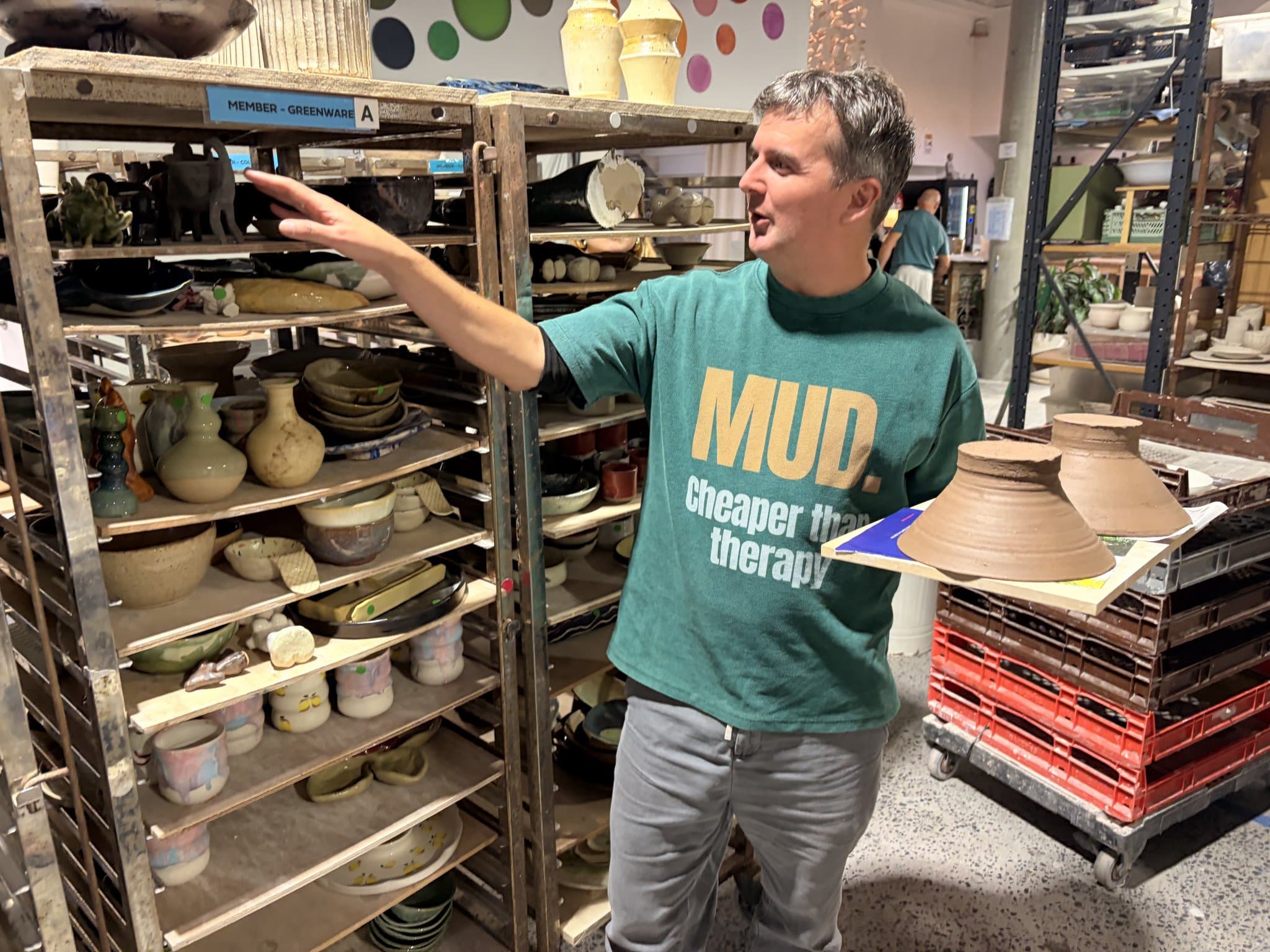
Kayde, who runs ClayGround here in Sydney, put it plainly. The hardest part of running firings used to be the not-knowing. Members couldn't see where their pieces were, so they'd ask the techs several times a day, which wound everyone up and pulled the techs off their work. Once they could log their own pieces in seconds, the manual chasing just dropped away.
It's not just quieter, it's a better studio
The calls falling away is the headline, but the flow-on is the real gain. Your team gets hours back for teaching and making. Class pieces are ready on time because nothing's lost in the queue. Members are happier because they know exactly when to come in instead of turning up hopeful and leaving empty-handed. And more of your firings get captured and paid for, because every piece is accounted for. Same work you were already doing, just calmer and with a bit more of the money actually landing.
Getting started
None of this needs a big rollout. Most studios are going in their first session: tiles on the shelves, pieces logged as they come in, members tracking their own work from day one. It sticks fast because it answers the members' own biggest question, so you're not nagging anyone to use it.
See it running in your studio
If the "where's my piece" chase sounds familiar, this is pretty much the exact thing MudBuddy was built to fix. We'll show you how it works with your kilns and your members.
Book a MudBuddy demoOr read more about MudBuddy for studios.
Frequently asked questions
How do members track their own pottery pieces?
Each piece is logged when it comes into the studio, usually by scanning a reusable QR tile and adding a photo, which takes a few seconds. From then on the member has a private page showing the piece moving through bisque, glaze and firing, and gets an email when it's ready to collect. In MudBuddy, one-off class students can do this without creating an account.
Will this actually stop the "is my piece ready?" messages?
Largely, yes, because it removes the reason for them. Members ask because they can't see the queue. Once they can check their own work and get notified automatically when it's ready, most of the calls and messages simply stop. Studios using it find the manual chasing falls away quickly.
How does the studio keep track of the firing queue?
The same piece records give your team one view of everything in the queue: what's waiting, what's in the kiln, and what's ready for collection. A good system will also flag a piece that's about to miss its turnaround, so it can be prioritised before anyone has to ask.